
Service Tire Pressure Monitor System on a Chevrolet: Low Tire or TPMS Fault?
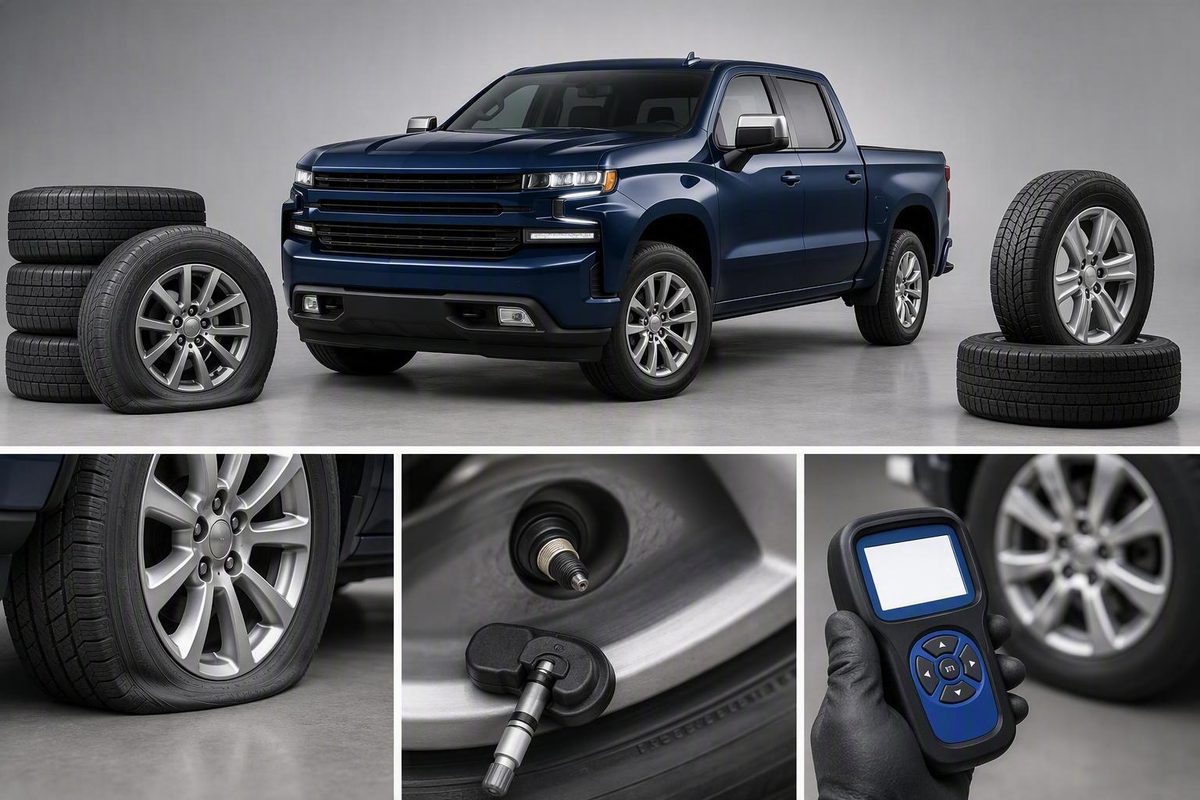
Separate a low tire from a Chevrolet TPMS fault, check pressures correctly, and learn when sensor matching, diagnosis or replacement is needed.
“Service Tire Pressure Monitor System” points to a monitoring-system problem, not automatically to an underinflated tire. Check every tire manually first. If the tires are at the door-placard pressures but one position shows dashes, the warning flashes and then remains on, or the service message returns, diagnose the TPMS rather than repeatedly adding air.
Low-pressure warning versus service message
| What the Chevrolet shows | First interpretation | Next step |
|---|---|---|
| A pressure value is low, with a steady tire-pressure symbol | The system is receiving a reading and considers that tire low | Inspect for damage or leakage; set the cold pressure to the driver-door placard |
| “Service Tire Pressure Monitor System,” a missing reading, or dashes at one wheel | A sensor signal, learned sensor position or another TPMS function may be unavailable | Verify pressure manually, then test the sensors and scan the TPMS for codes |
| Dashes immediately after the 12-volt battery was disconnected | This can be temporary while the sensors resume transmitting | Drive and recheck before replacing parts |
| Warning began after tire rotation or wheel/sensor replacement | The vehicle may need its sensor positions matched again, or a replacement sensor may be incompatible | Perform the exact model-year relearn and confirm sensor compatibility |
Do not use the maximum pressure molded into the tire sidewall as the target. GM says to set cold tires to the recommended pressure on the vehicle’s tire placard; it also defines a cold tire as one parked for at least three hours or driven no more than 1 mile (1.6 km). A temperature change of 10°F typically changes pressure by about 1 psi, so a cold-weather low-pressure warning can be real even when no component has failed. (GM service bulletin)
Diagnose it in this order
- Inspect and measure all tires. Look for visible damage, a puncture, valve-stem leakage or a tire that is materially lower than the others. Use an accurate gauge rather than relying only on the dash.
- Set the placard pressure while cold. Silverado HD trucks and other Chevrolets can specify different front and rear pressures, so copy each axle’s value from the label rather than assuming all four are equal.
- Note the display pattern. Record which wheel shows dashes, whether the warning flashes before staying on, and whether the message appeared after a rotation, wheel installation, sensor replacement or battery disconnect.
- Allow for a recent battery disconnect. GM says pressure dashes can appear until the sensors transmit again; if a sensor fails to transmit during 18 minutes of driving, the system will set a code. (GM service bulletin)
- Run a sensor activation test. A TPMS service tool can check whether each wheel sensor responds. A nonresponsive wheel points toward its sensor or an incompatible replacement; four responsive sensors with a persistent message call for code-based vehicle diagnosis.
- Scan TPMS codes before buying parts. A capable scan/TPMS tool can retrieve Chevrolet TPMS diagnostic trouble codes and help separate a sensor problem from a relearn or vehicle-side fault. (ATEQ Silverado TPMS guide)
A relearn teaches the Chevrolet which sensor is at each wheel position. It does not repair a puncture, restore a dead sensor or make an incompatible sensor communicate.
When a relearn makes sense
Relearn the sensor positions after a tire rotation when required by the manual, and after replacing a wheel or sensor. GM specifically says accessory-wheel TPMS sensors must be relearned. (GM service bulletin)
On many 2015–2020 Silverados, the documented manual sequence is to set placard pressure, apply the parking brake, switch the vehicle to ON/RUN, open the Tire Pressure display, hold the applicable Set/Reset control to enter TIRE LEARNING ACTIVE, then activate the sensors in this order:
- Left front
- Right front
- Right rear
- Left rear
The horn confirms each accepted sensor and chirps twice at completion. The procedure allows two minutes for the first position and five minutes for all four; if it times out, restart it. Control paths differ between base and uplevel Driver Information Centers. (ATEQ Silverado TPMS guide)
Do not assume that sequence or dashboard path applies to every Chevrolet. Older trucks may begin learn mode with the remote-key buttons or Driver Information Center controls, while newer models can use different menus. Chevrolet provides downloadable model-year manuals and says manuals for 2008-and-newer vehicles are also searchable in the myChevrolet app. (Chevrolet manuals and guides)
Match sensors to the exact year
Frequency and protocol matter. A Silverado TPMS specialist lists 315 MHz for 2004–2018, both 315 and 433 MHz applications during 2019, and 433 MHz for 2020. That 2019 overlap is a warning not to order from “Silverado” alone: match the sensor by VIN, model year and existing equipment, then program it if the replacement design requires programming. (ATEQ Silverado TPMS guide)
Book TPMS service when a tire will not hold pressure, a sensor will not activate, the relearn repeatedly fails, or the message remains after pressures and sensor IDs are confirmed. Give the technician the model year, which wheel lacks a reading, what work preceded the warning and any stored TPMS codes. That is more useful than requesting a generic “reset.”